
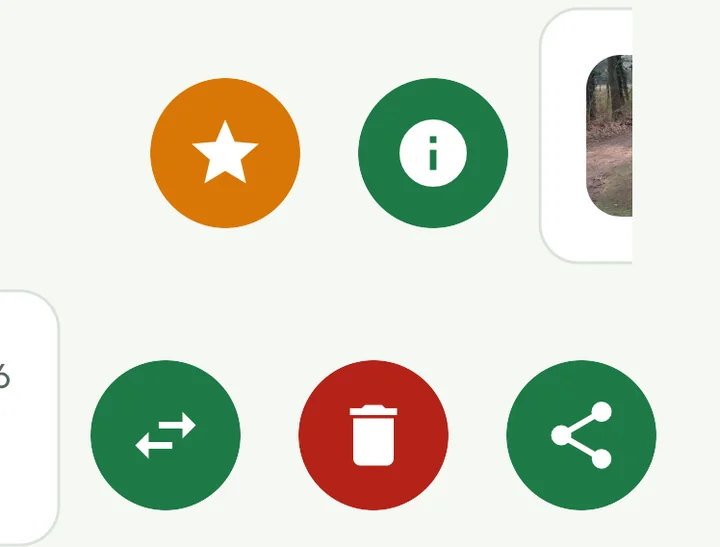
The actions are behind the swing. You bring them out by swiping the swing sideways; round buttons with an icon on them then appear.
Swiping to the right
- The star — make this swing your best shot for that club. If it already is, you remove the star here again.
- The i icon — the processing of this video step by step, with the button to process it again.
Swiping to the left
- The share icon — send the swing to someone else. Sharing is available from the Pro subscription.
- The trash can — remove the swing. You are asked to confirm first.
- The two arrows — put the swing with another golfer. You only see this button if you have several golfers.
If you tap the swing itself, you open it to watch it.
Good to know
- The star and sharing only work once the swing has finished processing.
- You cannot delete or move your best shot. Choose another best shot first.
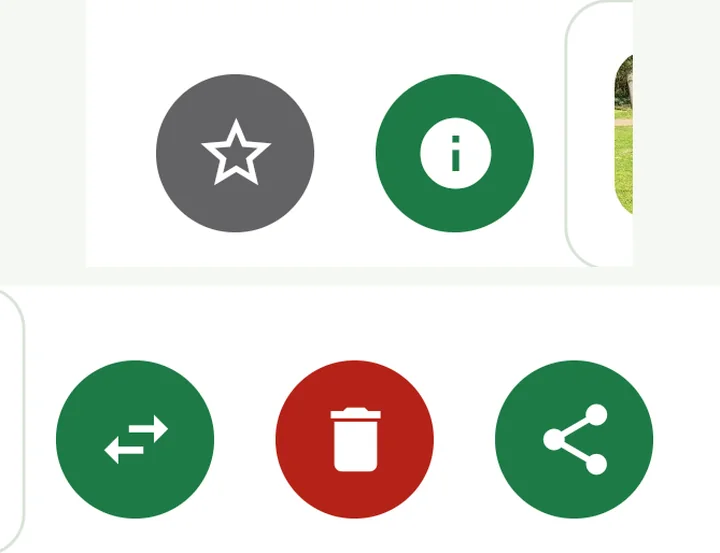
The actions are behind the swing. You bring them out by swiping the swing sideways; round buttons with an icon on them then appear.
Swiping to the right
- The star — make this swing your best shot for that club. If it already is, you remove the star here again.
- The i icon — the processing of this video step by step, with the button to process it again.
Swiping to the left
- The share icon — send the swing to someone else. Sharing is available from the Pro subscription.
- The trash can — remove the swing. You are asked to confirm first.
- The two arrows — put the swing with another golfer. You only see this button if you have several golfers.
If you tap the swing itself, you open it to watch it.
Good to know
- The star and sharing only work once the swing has finished processing.
- You cannot delete or move your best shot. Choose another best shot first.
The actions are shown as buttons below each swing. Hold your mouse over a button to see what it does.

- Best shot (star) — make this swing your best shot for that club. If it already is, the button is called Unset best and you use it to remove the star.
- Share — send the swing to someone else. You only see this button if your subscription includes sharing.
- Move — put the swing with another golfer. You only see this button if you have several golfers.
- Delete — remove the swing. You are asked to confirm first.
If processing of a swing has failed, there is also a Process again button.
If you click the image of the swing, you open it to watch it.
Good to know
- The star and sharing only work once the swing has finished processing.
- You cannot delete or move your best shot. Choose another best shot first.