
What SwingIQ does
Everything you need to understand your own swing
One phone is all you need. From the recording to the point of attention you take into your next shot.
Recording the way it happens on the course
Set your phone down or hand it to a playing partner. SwingIQ records at the highest frame rate your device can manage, because the more frames per second, the more precisely the moment of impact is captured.
- Starts automatically once you are properly in frame
- Spoken cues to correct your position
- Or simply an existing video from your photo library
- One question after saving: how did the shot go? Your answer feeds into the advice
The eight phases, detected automatically
First the real shot is pulled out of the recording — practice swings and walk-ups are dropped. Your posture is then tracked frame by frame and the movement divided into the eight phases of the 8-step model.
- The sound of the strike as the reference point for impact
- Step through your swing frame by frame
- One video with several shots is split automatically
Next to your own best shot
For each club type SwingIQ keeps track of which shot is your best reference. Your current swing is placed alongside it, phase by phase, so you can see what is different today.
- Both swings side by side, or overlaid
- Points of attention in plain language, ready to use
- Your reference moves up as you improve
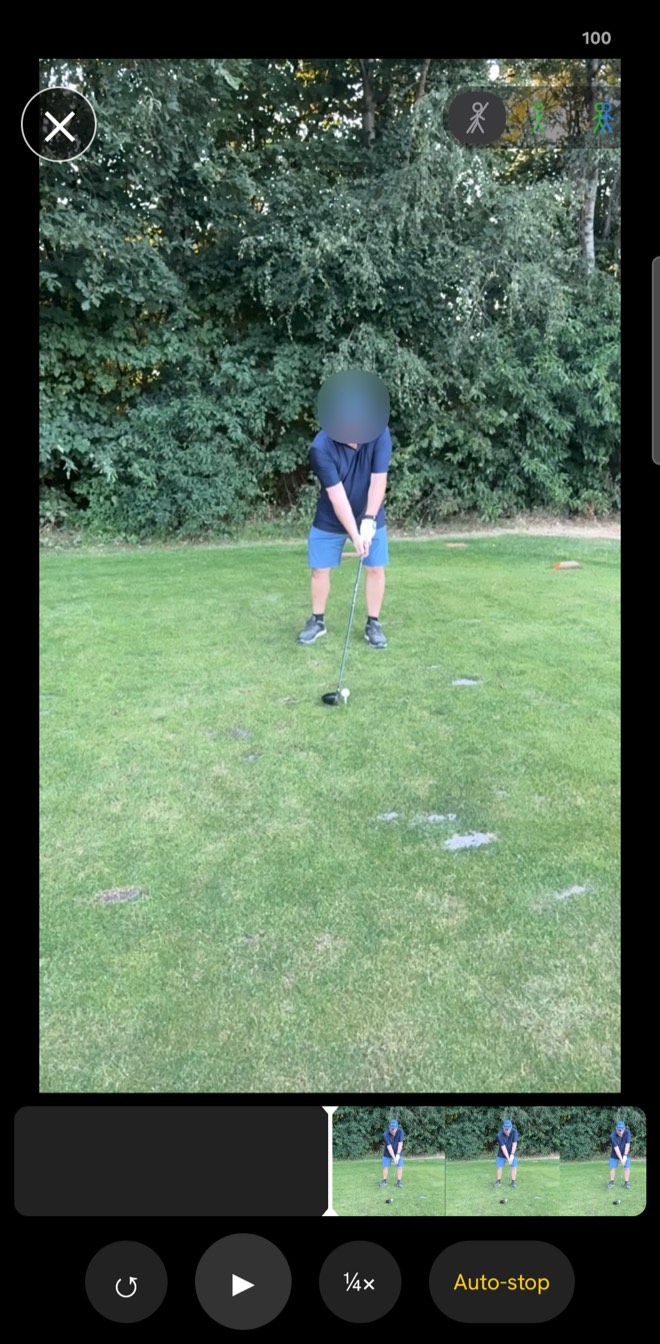
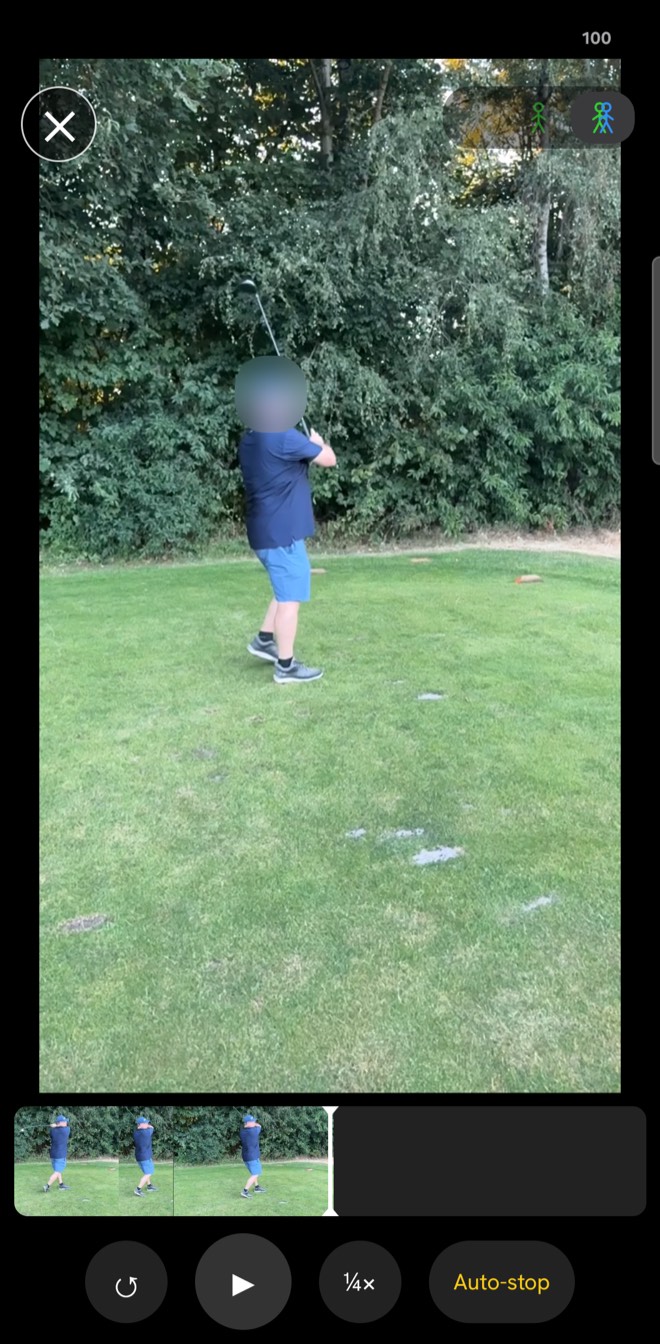
- Slow motion, auto-pause at every step with advice, and lines over your body — this swing alone or together with your best shot
- Colours and numbers in the filmstrip show where the biggest difference is
- Advice at your level: your handicap decides how short or how detailed the explanation is
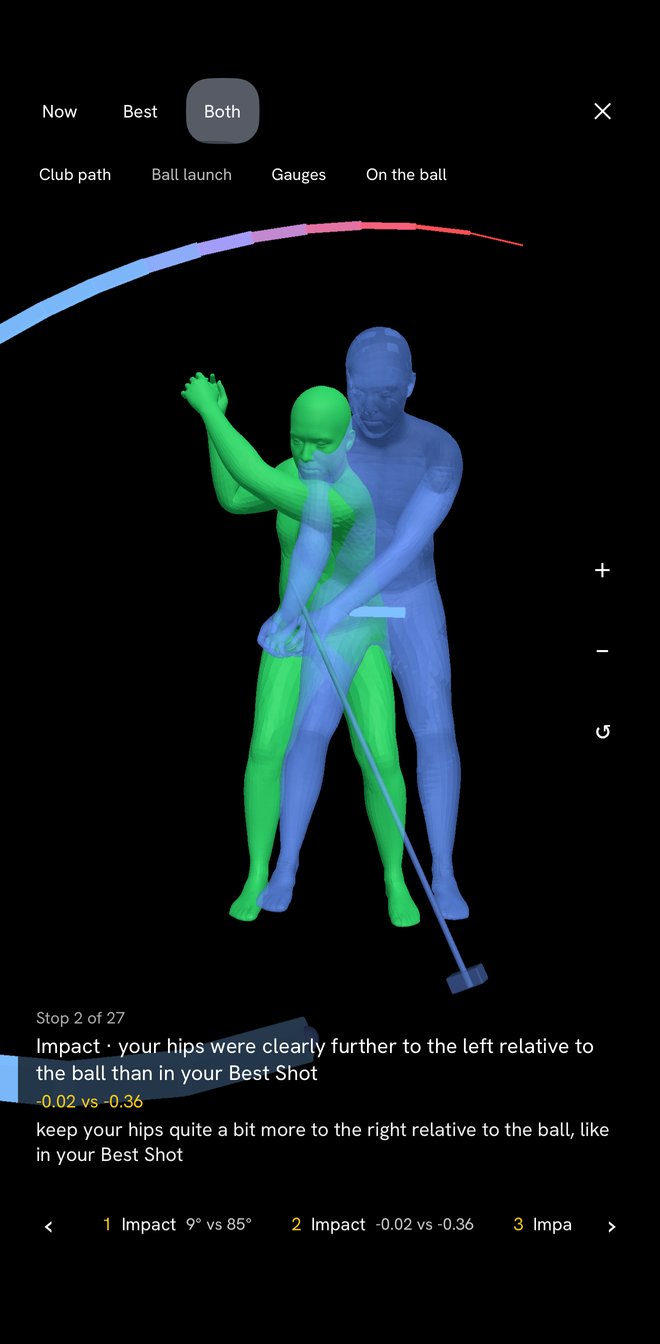
Your swing in 3D
Have a 3D model made of a swing: your body, the club and the ball, viewable from every side. If your best shot has a model too, you lay the two over each other and walk through the differences step by step. From the Pro plan.
- Rotate and zoom, per step of the swing
- The path of the club head and the launch direction of the ball
- Overlaid on the ball or on the pelvis — so you also see how you stood
Seeing that you are improving
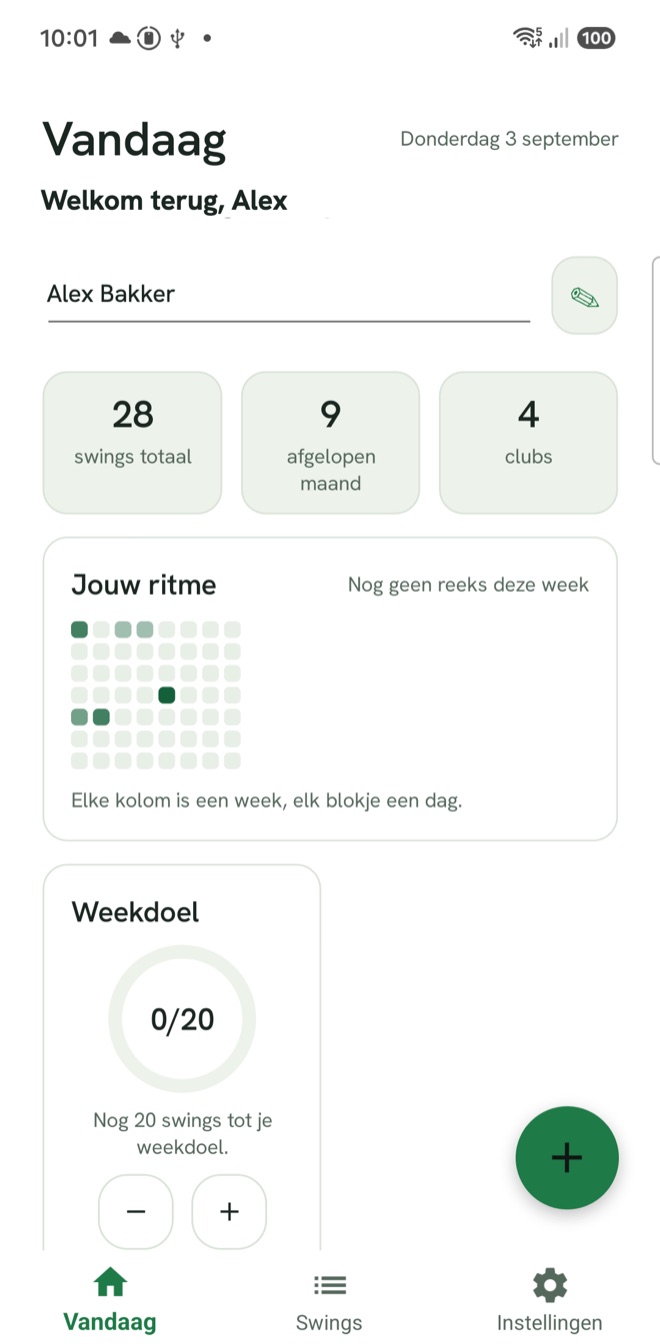
Feeling progress is hard, seeing progress is powerful. The overview shows per club how consistent you are, what stands out, and which shot came closest to your reference.
- Consistency per club type, with a trend over time
- Several golfers under one account, or everything together
- The course you played on included, if you want it
Sharing with your golf professional
Send a swing to your pro and let them look along. They see the same analysis you do, plus the development over the weeks in between — context that cannot be gathered in half an hour on the range.
- Choose per swing what you share
- The recipient does not need to install anything
- Withdraw as long as the recipient has not answered yet
- Your pro draws lines and writes notes on the picture; you see them on your own video
And more
The things you only miss when they are not there.
Works without signal
Your swings, videos and analyses live on your device. On a course with one bar everything keeps working; uploading happens as soon as there is a connection again.
How it works, in the helpPer club type
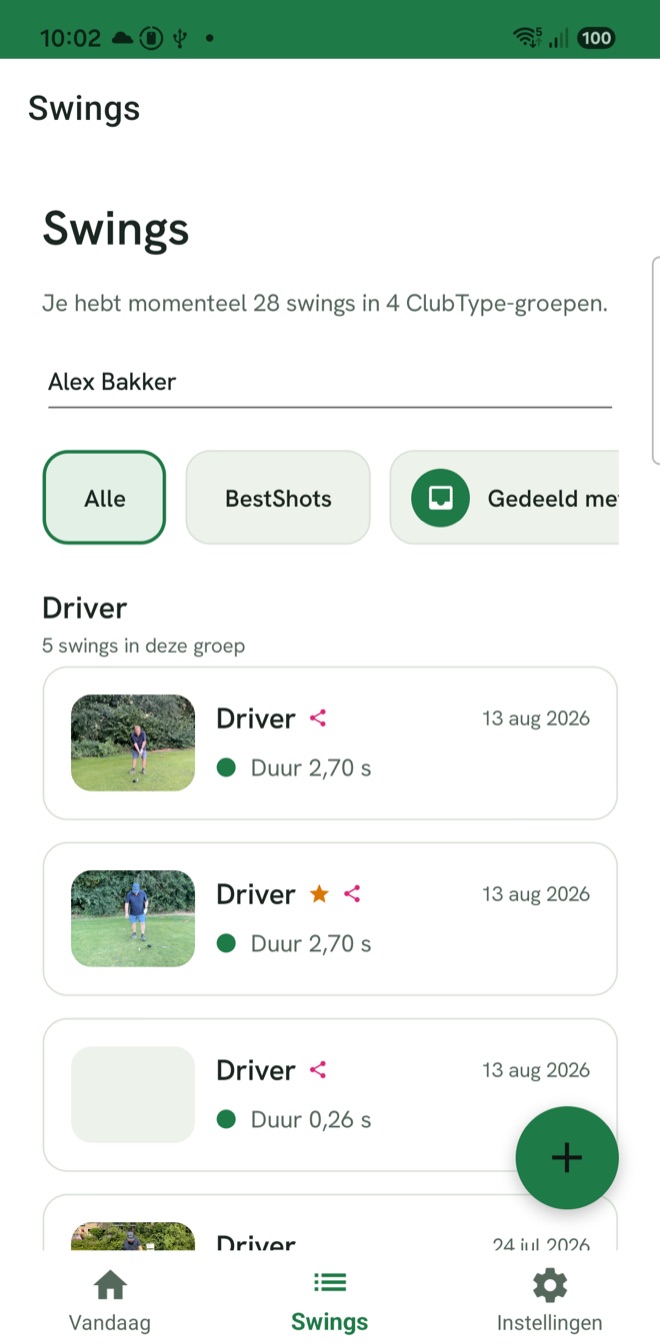
Driver, irons, hybrid, wedges, woods and putter each have their own reference shot. Comparison happens within the same category.
How it works, in the helpSeveral golfers
One account, several players, each with their own archive and their own best shots. Handy for a family, essential for a pro.
How it works, in the helpFive languages
Dutch, English, German, Spanish and French — in the app and on the site, including the text of the analysis itself.
How it works, in the helpYour footage stays yours
Your videos are visible only to you, and to whoever you deliberately share them with. You can delete them at any moment.
iPhone, Android and the browser
You record on your phone. Reviewing, comparing and following your progress works on a bigger screen too.
How it works, in the helpOpen with your face or fingerprint
Turn on biometric login and the app sits behind Face ID, Touch ID or your fingerprint — and you stay signed in for a year without typing your password.
How it works, in the helpHelp on every screen
A question mark on every screen explains what you see and what happens when you change something. In the app, on the site and in the public help centre — in five languages, offline too.
How it works, in the helpYou have already hit your best shot
Film your next swing and see straight away what is different from the day it worked.
Free account, no credit card. Questions? You will get an answer without an account too.
Recording happens in the app, free to download: